
Latest News and Updates
Update # 8
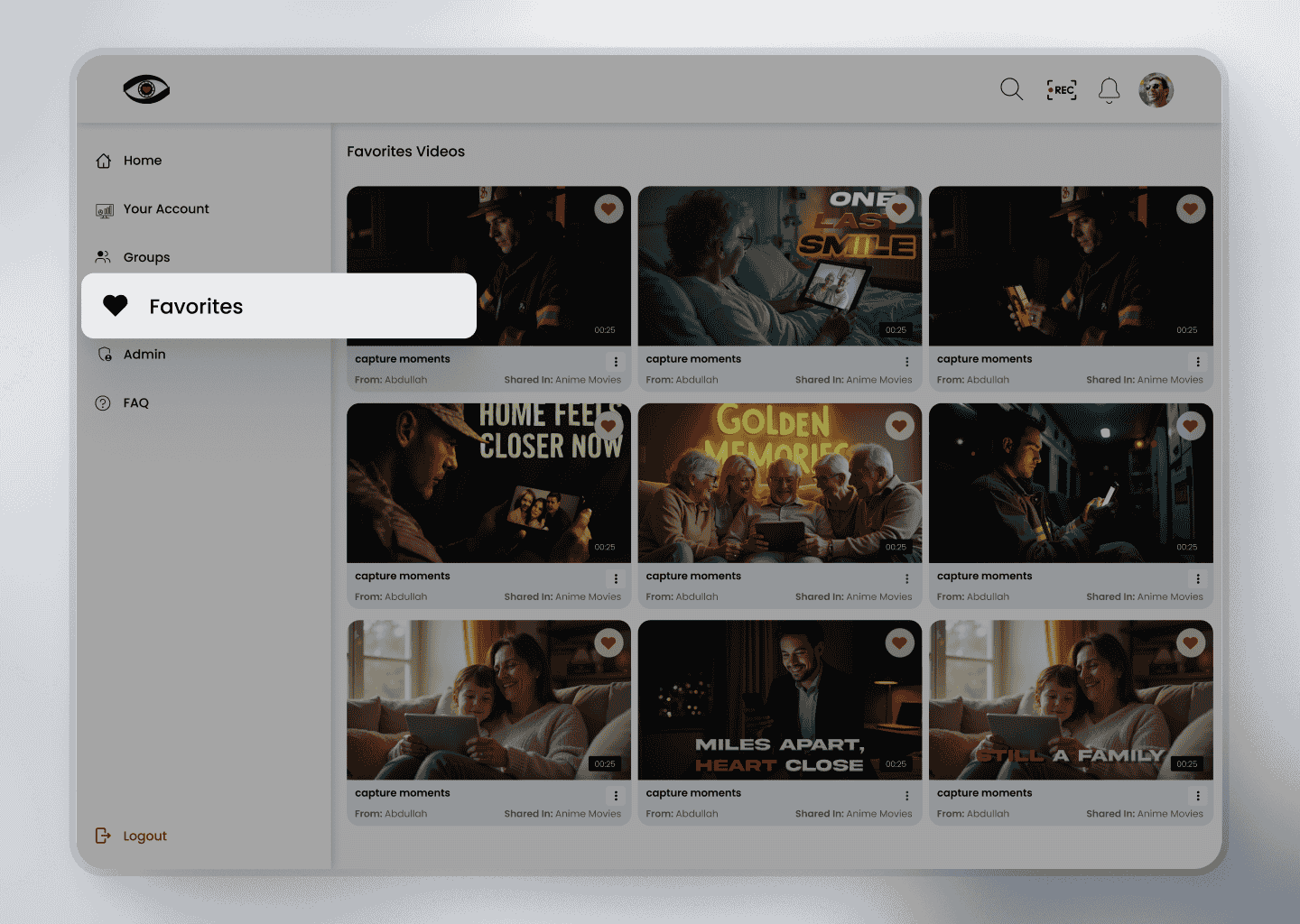
❤️ Add to Favourite on iLoveView
Make it easier to revisit the videos you love! On iLoveView, users can add received videos to their Favorites with a single click:
Simply click the heart icon located at the top-right corner of any received video to add it to your Favorites list.
All your favorited videos are conveniently stored and accessible on the Favorites page, allowing quick access anytime you want to rewatch or reference them.
This feature helps users curate a personal library of important, inspiring, or memorable content with ease.
Update # 7
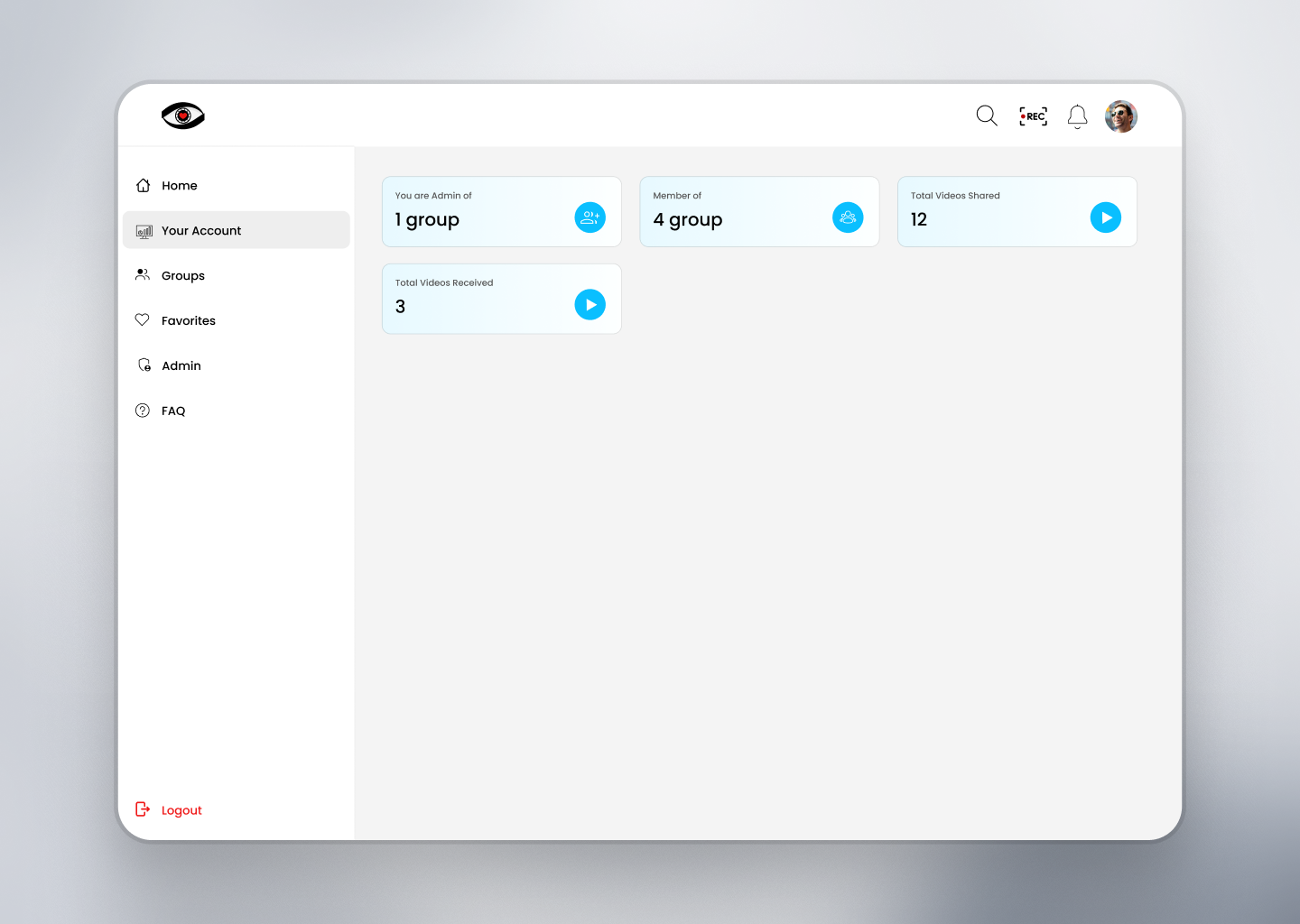
📊 Dashboard Overview on iLoveView
The iLoveView Dashboard provides users with a clear and organized snapshot of their activity on the platform:
Shared Videos: View the total number of videos you’ve shared with others.
Received Videos: Keep track of how many videos you’ve received from other users.
Group Insights: See how many groups you’ve created and how many you’ve joined as a participant.
Additionally, on the Groups page, users can easily navigate between:
Created Groups – Groups you’ve founded and manage.
Joined Groups – Groups where you’re an active participant.
This centralized overview helps users stay informed, organized, and in control of their iLoveView experience.
Update # 6
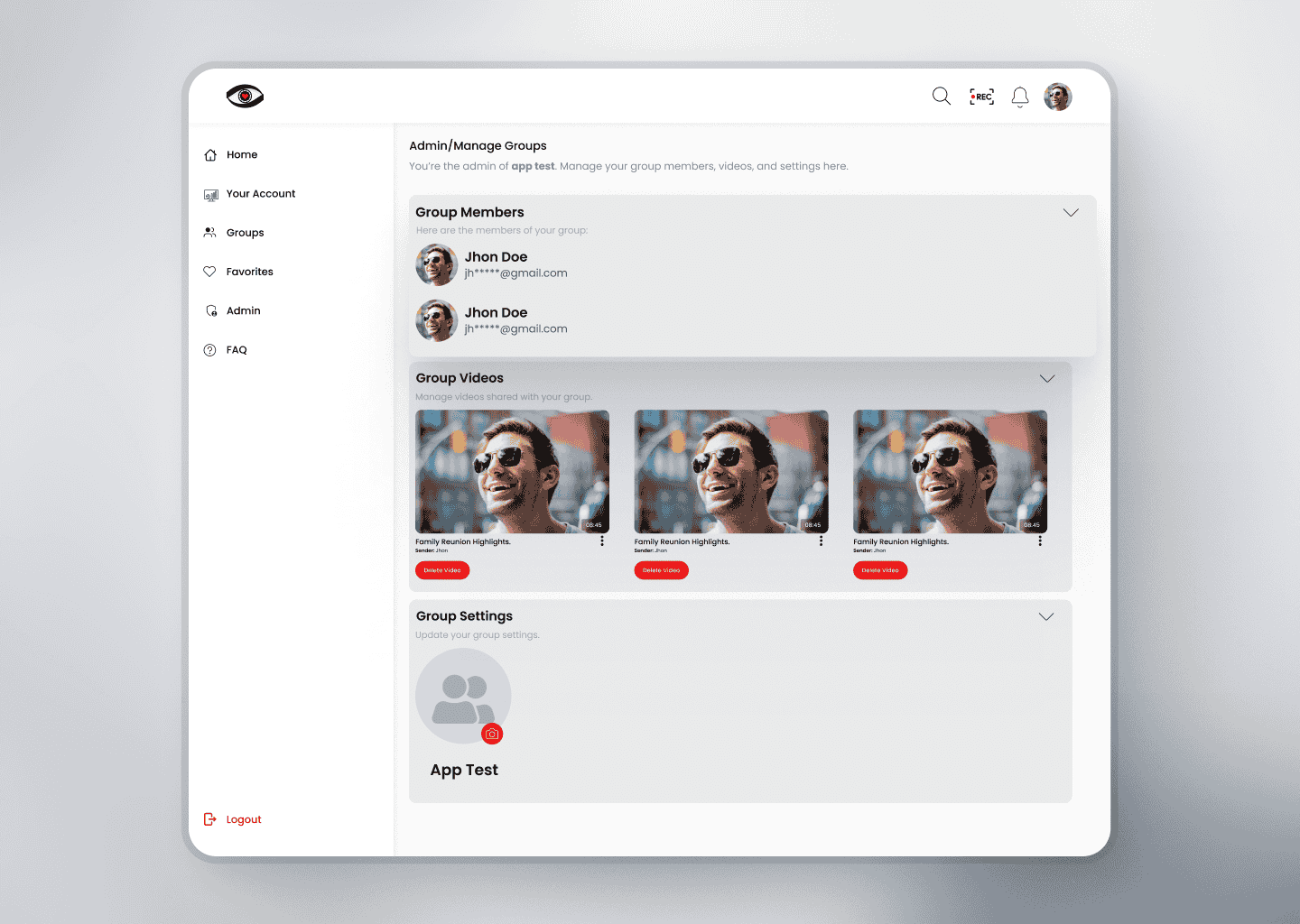
👥 Group Management on iLoveView
iLoveView empowers users with full control over their group interactions through advanced group management features:
Create & Customize Groups: Users can easily create groups, assign a name, and upload a group logo to personalize their space.
Manage Participants: Group creators can add or remove members, making it simple to keep the group relevant and secure.
Assign Roles: Users can promote others to admin, share management responsibilities, or revoke admin access when needed.
Track Group Activity: Group admins have access to a detailed activity log, allowing them to monitor interactions and contributions from group participants.
Whether for collaboration, community, or content sharing, iLoveView groups are designed to offer flexibility, control, and transparency.
Update # 5
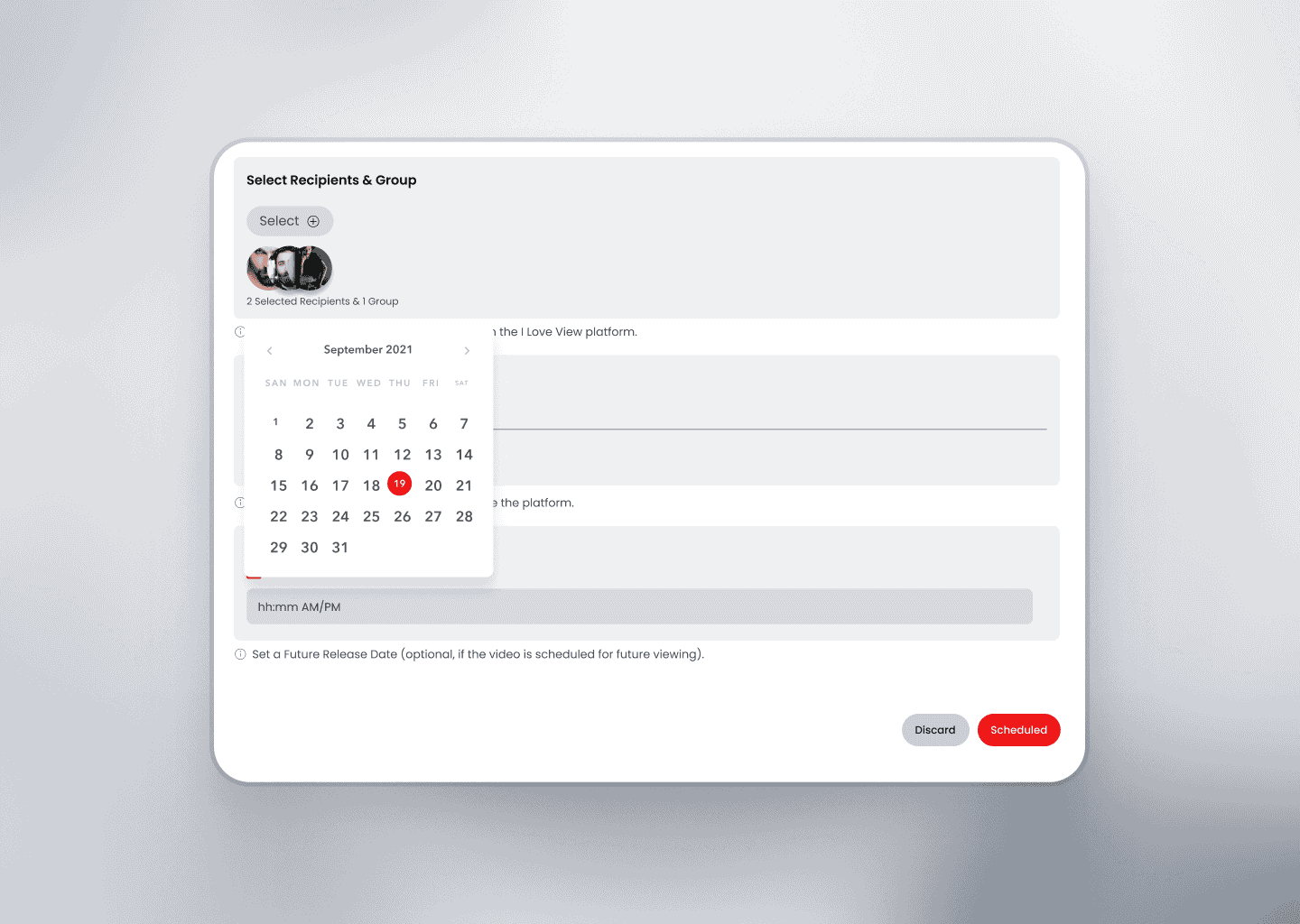
⏰ Schedule Videos for Later on iLoveView
Planning ahead? With iLoveView, users can schedule their videos to go live at a specific date and time in the future.
Here’s how it works:
Simply select the desired date and time during the upload or sharing process.
Our smart scheduling algorithm ensures that the recipient is notified via email at the right moment.
When the scheduled time arrives, the video is automatically published, and the receiver gets a real-time email notification.
This feature is perfect for timed announcements, planned content drops, or surprise video messages—giving you full control over when your audience sees your content.
Update # 4

📤 Video Sharing Made Easy on iLoveView
iLoveView offers a seamless and flexible video sharing facility, allowing users to connect and share content effortlessly:
One-to-One Sharing: Share videos directly with other registered users on the platform.
Group Sharing: Users can also share videos within groups they are part of. (More details about the group feature coming soon!)
Email-Based Sharing: Want to share a video with someone not yet on iLoveView? No problem! Simply share it via their email. The recipient will be able to access the video after signing up on the platform.
With iLoveView, sharing your moments is as simple as a click—whether within the community or beyond it.